


Liz and I reviewed KidCoder Web Series from Homeschool Programming.
I have a little web designer!

Liz is 12 and the series is recommended for grades 4-12.
From the company: “Our KidCoder Series is geared for 4th-8th grade students who have an interest in computer programming. These courses are lighter, easier and are great for elementary and middle-school students.”
You know your kid’s abilities. There are other advanced options for high schoolers or kids with design experience.

There are two books: beginning and advanced. 2 semesters. But Liz flew through the lessons in book 1 in a couple of days!
KidCoder: Beginning Web Design – First semester course (introduction to HTML and CSS)
Topics Covered in this Beginning Course:
- Mark-up concepts
- Website layouts and files
- Backing up projects
- Essential HTML symbols
- Styling of text
- Using symbols and lists
- Internal and external hyperlinks
- Navigation bars and footers
- Simple CSS effects
- Spacing and positioning
- Graphics and image editing
- Tables
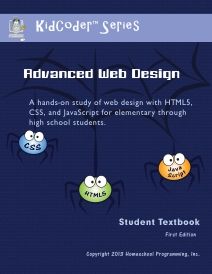
KidCoder: Advanced Web Design – Second semester course (HTML5, CSS3, JavaScript)
Topics Covered in this Advanced Course:
- Using Komodo Edit
- HTML5
- Presentation layers
- Essential HTML symbols
- Document Object Model (DOM)
- Using borders
- Introductory JavaScript
- Cascading Style Sheets (CSS3)
- jQuery
- Animations and video
- Using forms

Instructional DVDs:

Liz worked through 13 chapters in book 1. She’s more comfortable now with computers and I let her at it. She loved it. We didn’t even need the DVD’s. She just followed the eBook.
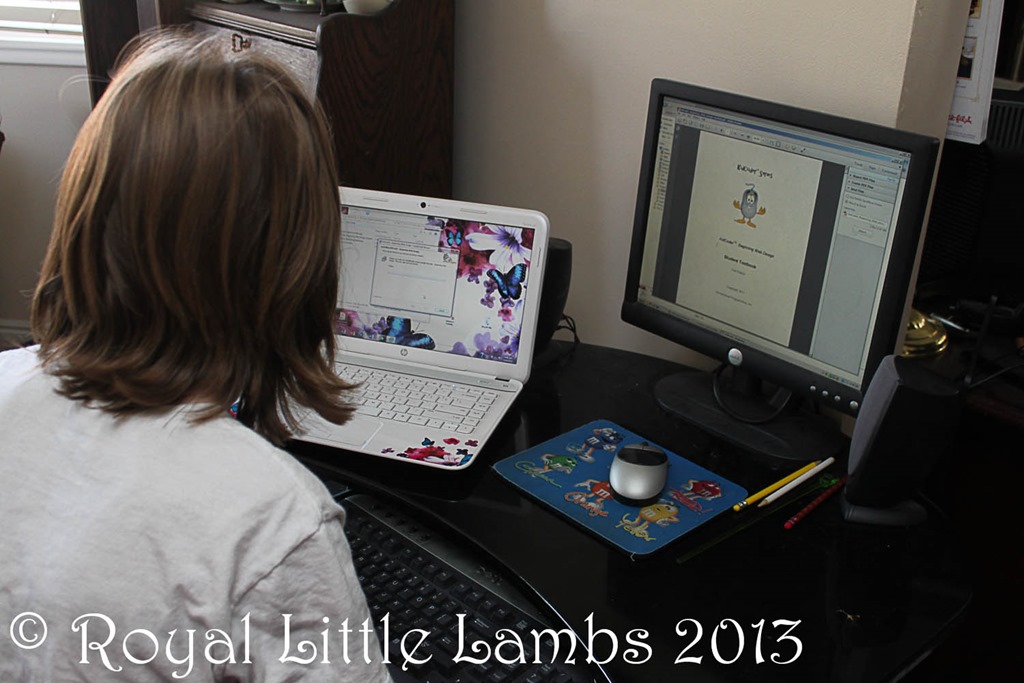
So blessed to have a laptop and a desktop so she could read the eBook instructions or watch the DVDs and then do the lessons on the laptop. Worked great! No printing. {But then she figured out she could copy/paste the code and just used the laptop for the rest of the lessons.}
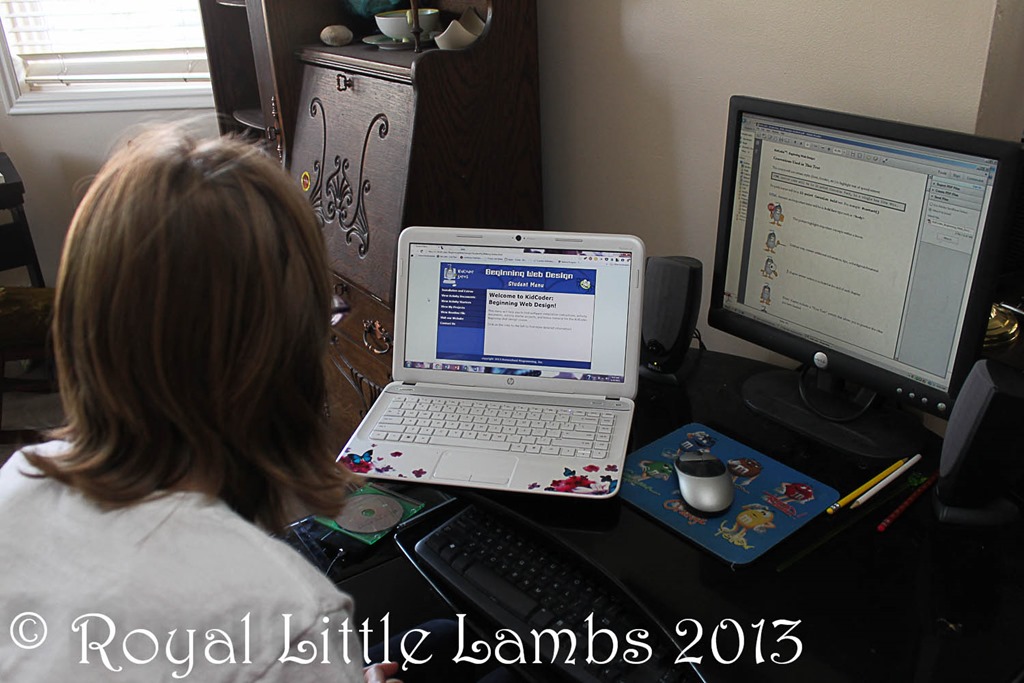
Liz kept calling me over to look at all the little code changes she kept making.

She loves the logic in coding. And played with tweaking it and learning what the littlest code changes could do.
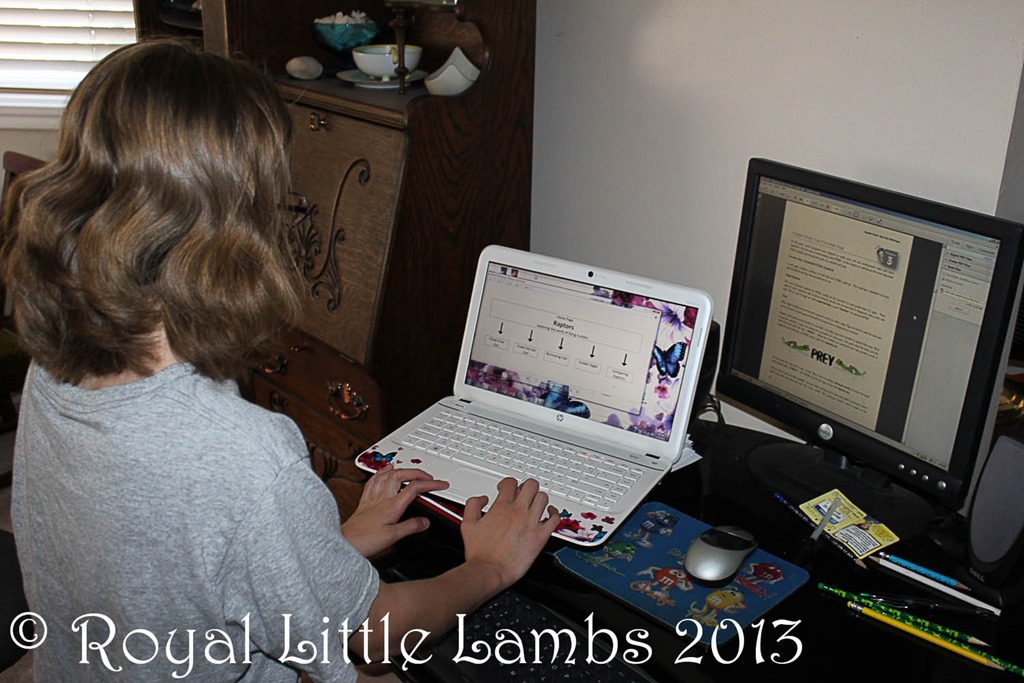
Cute! Liz was so excited to see that first code turn into this.

After we set up Notepad to open correctly in a webpage and as text, she was good to go!
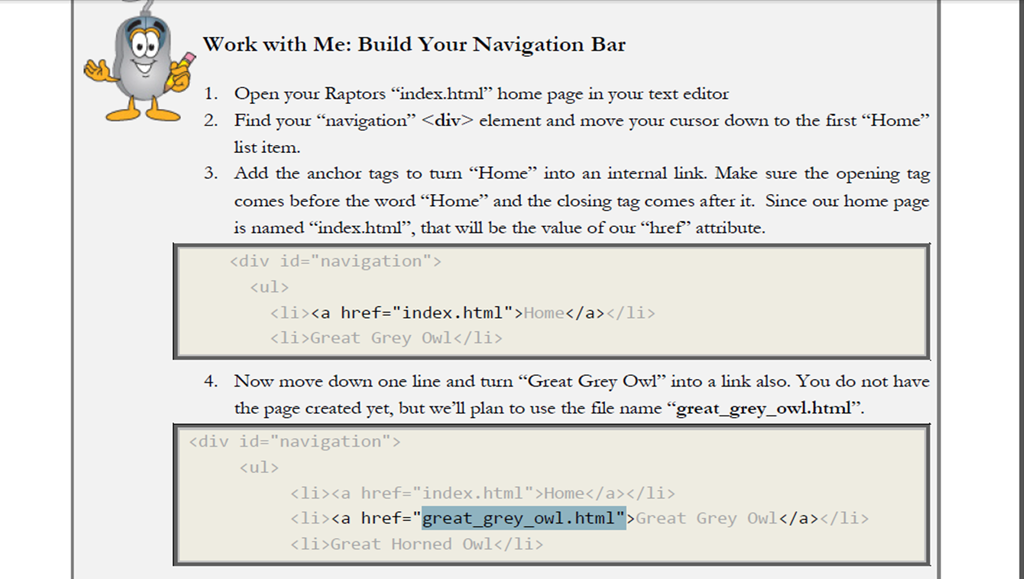
Liz got a little confused because some of the lessons showed different code examples than she had written. Below, it shows <div id=“navigation” and we’d never plugged that in during earlier lessons. We worried we had skipped steps. It worked on her page. I think it’s just showing that different words can be used in code to do similar functions.
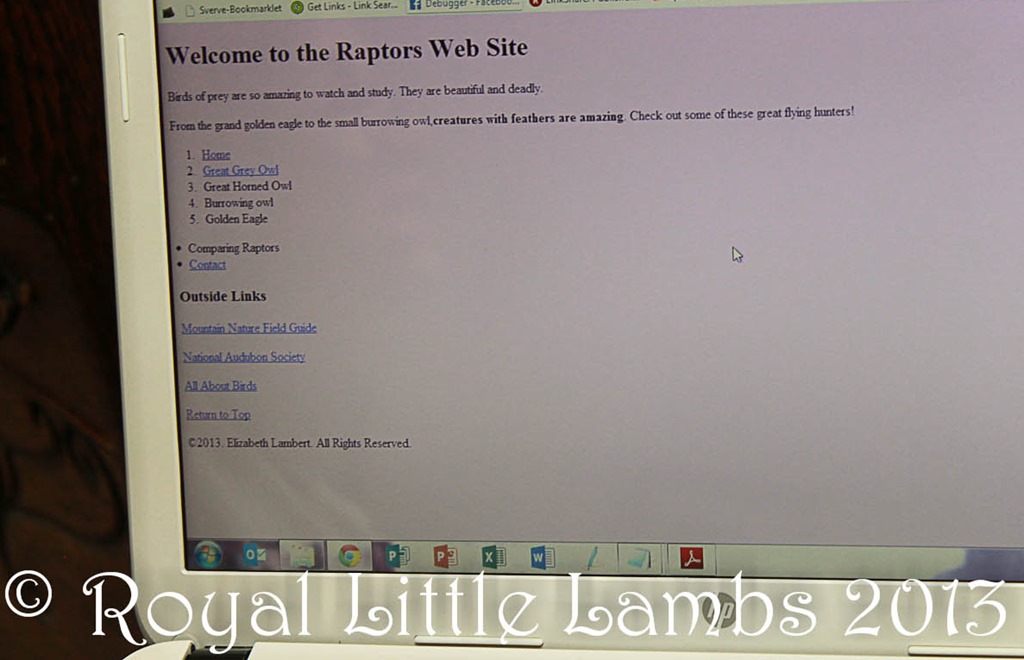
I helped Liz understand the difference between an ordered list and unordered list. And she saw it on screen (visual/kinesthetic learner):
Liz really enjoyed playing with the fonts and colors – and I loved the CSS and Tables tutorials! Pretty soon, I’ll have my own personal VA! I’m excited for this aspect of Liz’s education.
I look forward to going through the advanced lessons with Liz and updating my sites and learning alongside her! Liz has a good eye and great ideas. She’s so creative! It’s a great beginner’s or refresher course in web design.
I’m very impressed with Homeschool Programming products and the easy to follow instructions. Liz and I are enjoying it immensely. We highly recommend it.
$70.00 KidCoder: Beginning Web Design (Course Only)
$85.00 KidCoder: Beginning Web Design (Course & Video)
$70.00 KidCoder: Advanced Web Design (Course Only) Coming in August!
$85.00 KidCoder: Advanced Web Design (Course & Video) Coming in August!
~Or get the year pack at a discount!~
$120.00 KidCoder: Web Year Pack – (Courses Only) Coming in August!
$145.00 KidCoder: Web Year Pack – (Courses & Videos) Coming in August!
Save $15 through July 31st, 2013, with the coupon code HSB4015.




Leave a Reply